
For two decades, building an automation meant learning someone else's interface: triggers, nodes, filters, mappings, error branches. The next interface is a sentence. "When a new lead fills the form, score it, assign it to the right rep and post a summary in Slack." That is a workflow, and more and more tools can now build it from exactly that description.
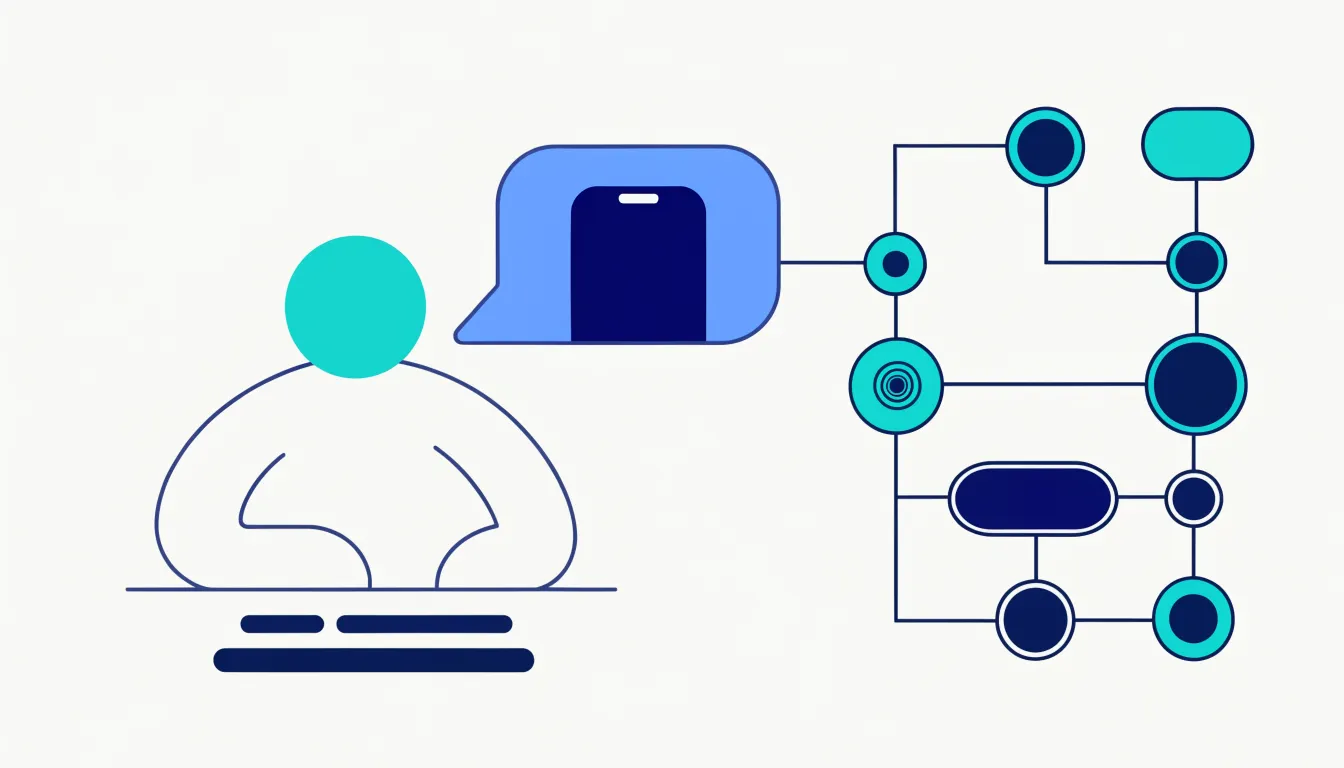
This article explains what a conversational workflow is, why the shift is happening now, where it still breaks, and how to adopt it without losing control.
The short answer
A conversational workflow is one you create, modify and operate using natural language instead of (or alongside) a visual canvas. You describe the outcome, an AI agent drafts the steps and connections, you review a preview, and later you can change it by simply asking.
Why this is happening now
Three things matured at the same time:
- Models can plan multi-step tasks and call tools reliably enough to assemble real workflows.
- Integrations are standardized. Apps expose actions and triggers that an agent can discover and use.
- Businesses are redesigning work, not just adding tools. In McKinsey's State of AI survey (1,719 participants in 97 countries, fielded May 4 to June 8, 2026), nearly 90% of respondents reported regular AI use in at least one business function, and nearly three-quarters of AI high performers said they had fundamentally redesigned workflows around AI, up from 55% the year before. Only about a quarter of other respondents had done the same.
That last number is the interesting one. The companies getting value are the ones rethinking the process itself. A conversational interface lowers the cost of rethinking, because changing a workflow becomes a sentence rather than a project.
Canvas versus conversation
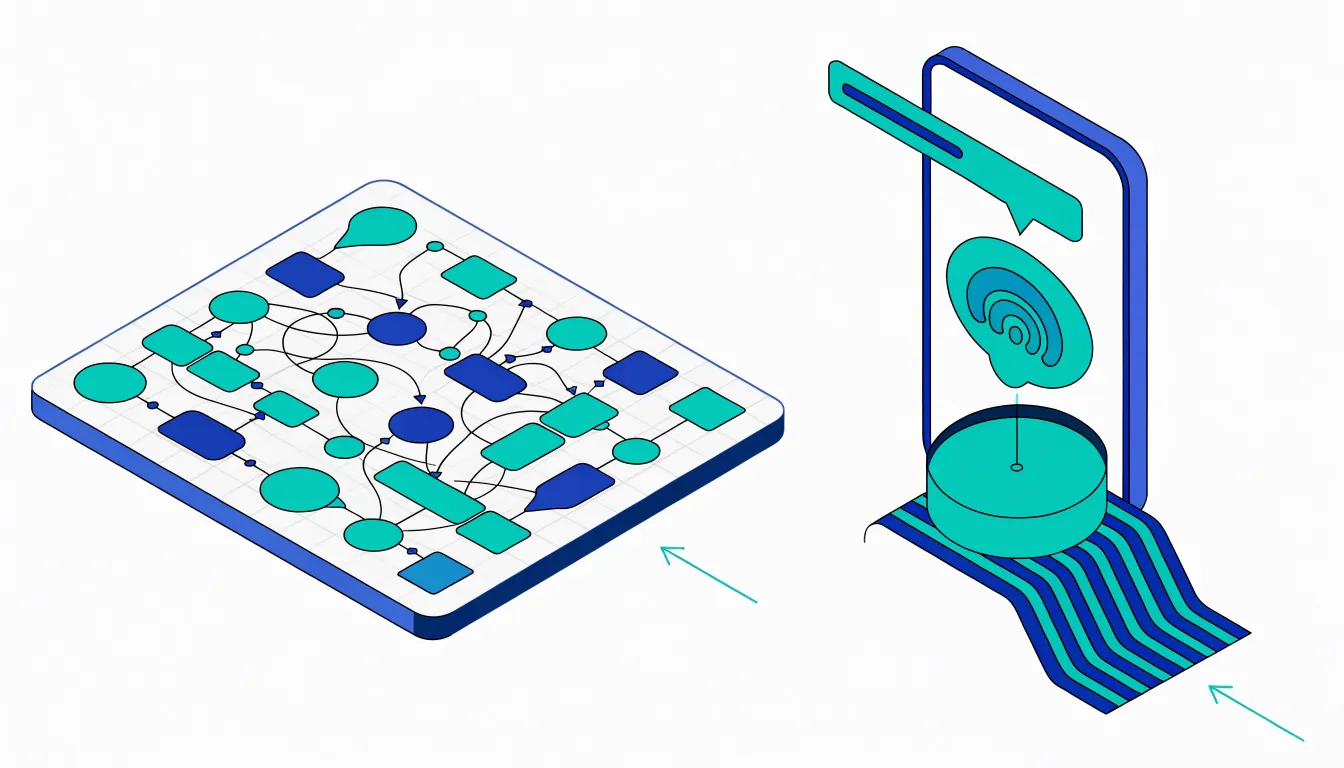
| Visual canvas | Conversational | |
|---|---|---|
| Creating a workflow | Drag nodes, configure each one | Describe the goal in plain language |
| Changing it | Find the node, edit fields | "Also notify finance when the deal is over $10k" |
| Who can do it | Trained builders | Anyone who can describe the process |
| Debugging | Inspect each step | Ask "why did this fail on Tuesday?" |
| Risk | Misconfigured fields | Misunderstood intent |
The last row is the honest trade-off. A canvas fails loudly when a field is wrong. A conversation can fail quietly when the agent interprets your words differently than you meant them.
Three things conversation changes
1. Creating
Instead of starting from a blank canvas, you start from intent. The agent proposes triggers, conditions, actions and AI steps such as classification or extraction. For the building blocks, see What Is an AI Workflow? and How to Build an AI-Powered Workflow Without Coding.
2. Modifying
Most workflows decay because changing them is annoying. When a rule changes, someone must remember how the automation was built. With a conversational layer, "skip weekends" or "route Spanish-language tickets to Maria" is a one-line edit that the agent applies and shows you.
3. Operating
Once live, you can ask a workflow questions: what ran today, what failed, what is waiting for approval. This turns automation from a black box into something you can talk to, which matters for the non-technical teammates who depend on it.
A short story: the Friday invoice chase
A small agency used to chase late invoices by hand every Friday. The owner typed one paragraph to an agent: find invoices more than 14 days overdue, draft a polite reminder for each, and send me the list before anything goes out. The agent built the workflow with an approval step. The first run caught a client who had already paid by bank transfer, a case the owner had not mentioned. She replied, "skip invoices with a payment pending," and the rule was added in seconds. Nothing was sent until she approved it. That loop, describe, preview, correct, approve, is the whole pattern.
The contrarian view: conversation will not kill the canvas
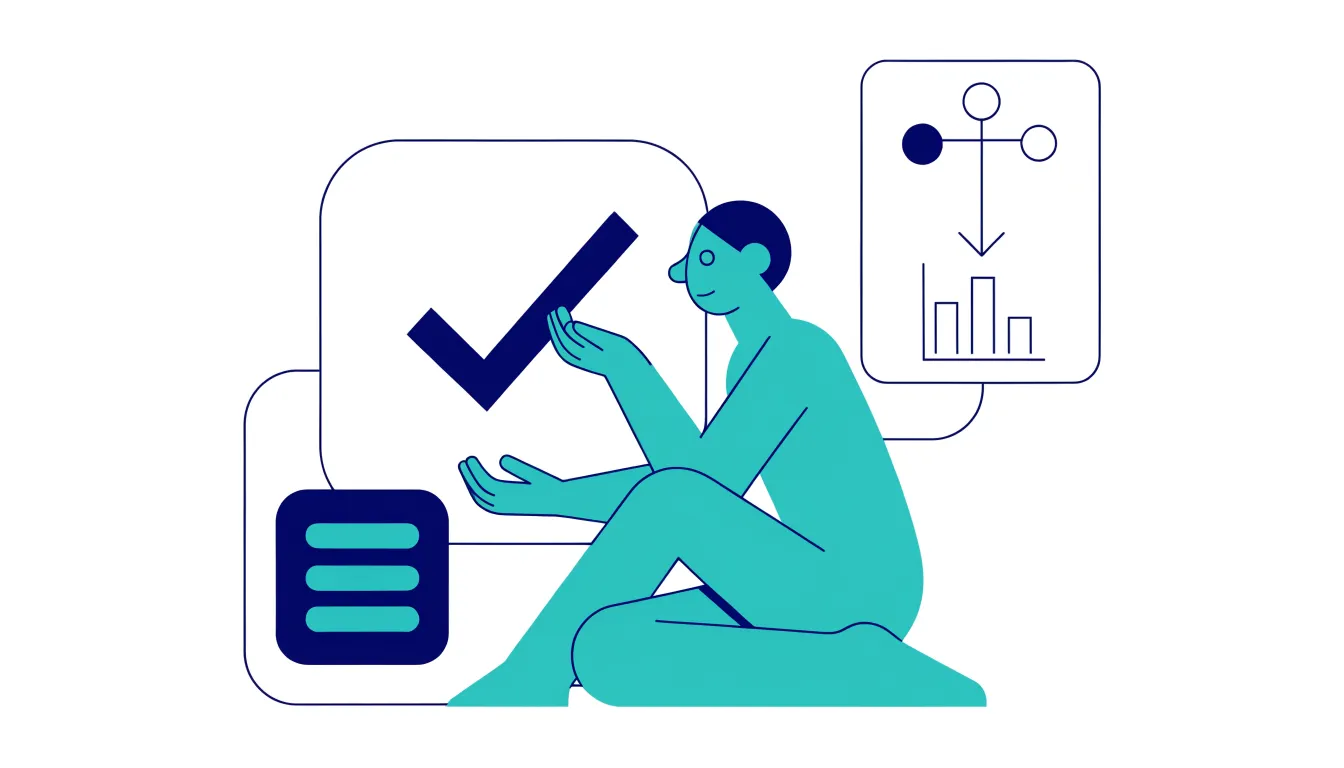
A popular claim says drag-and-drop builders are about to become obsolete. That is too neat. Visual canvases are excellent for seeing a process: you can scan branches, spot loops and explain the logic to a colleague at a glance. Text is a poor way to audit a 40-step flow.
The likely future is both: you speak to create and change, and you look at a diagram to verify. Conversation becomes the input method, the visual map remains the review method.
Counterarguments worth taking seriously
- "Natural language is ambiguous." Yes. "Send it to the team" could mean five different things. Good systems ask clarifying questions and show a concrete preview before running.
- "Agents make mistakes." Also true, and McKinsey's data shows most organizations are still early: about 20% of respondents said their organizations were scaling AI agents across the enterprise. Keep humans in approval steps for money, customers and deletions.
- "Deterministic automation is more reliable." For fixed, high-volume tasks, rule-based steps are cheaper and more predictable. The best conversational tools generate deterministic workflows and use AI only where judgment is needed. We compare the options in n8n vs Zapier vs AI Agents.
- "Security and permissions." A conversational layer must respect the same access rules as any user. Give agents the least privilege they need.
How to start: a practical checklist
- Choose one process you already do by hand and can explain in five sentences.
- Describe it with the trigger, the steps and the exception rules, not only the happy path.
- Ask for a preview or dry run before anything is live.
- Require approval for outbound messages, payments and data changes at first.
- Test with last month's real data and compare against what a person did.
- Refine by chatting, then review the visual map once to confirm the logic.
- Document the prompt you used, so teammates can reuse and adapt it.
This fits into the larger shift we describe in AI Agents Are Changing How We Build Software and Why AI Agents Will Become the New Business Interface.
FAQ
What is a conversational workflow?
A workflow you build, edit and manage by describing what you want in natural language, with an AI agent translating that into triggers, actions and conditions.
Do I still need to learn automation concepts?
Basic concepts help: triggers, actions, conditions and approvals. You do not need to configure them manually, but knowing them lets you write clearer instructions. Our guide to business automation is a good start.
Is conversational automation safe for business data?
It can be, when the platform enforces permissions, logs every action and supports approval steps. Ask vendors how they handle access control and audit history.
Will it replace tools like Zapier or n8n?
Not overnight. Many tools are adding conversational builders on top of their existing engines. The more useful question is which interface helps your team create and maintain workflows fastest.
What is the difference between an AI agent and a workflow?
A workflow follows defined steps. An agent decides steps toward a goal. Conversational tools often use an agent to create the workflow, then run it deterministically. See AI Agents vs Automation.
The takeaway
The future of workflows is not a smarter canvas or a chatbot bolted onto one. It is a shift in who can build and maintain automation: from specialists who know the tool to anyone who knows the process. Speak to create, look to verify, and keep a human on the approval button. Teams that make changing a workflow as easy as sending a message will redesign their work more often, and that, according to the data, is where the value is.
Source: McKinsey, The state of AI.